How much does a UGC video for Amazon cost
Expect $25 to $80 for a raw creator clip bought on a marketplace, $75 to $200 for a freelancer who films and lightly edits, and $150 to $500 per finished video from an agency once margin and usage rights are added. The number that matters is cost per video you can actually upload, because a raw clip still needs trimming, captions and a compliance check.
Here is how the main buying options compare for an Amazon seller in the US. Marketplace figures come from each company's public pricing page as checked in October 2026.
| Option | Typical price | What you get | Work left with you |
|---|---|---|---|
| Freelance gig sites | Roughly $50 to $200 per video | One creator, one video, rights as stated in the gig | Brief, vetting, revisions, checking the license covers Amazon and ads |
| JoinBrands | Plan $0 to $499 a month, videos from $25 plus an 8 to 15 percent fee | Raw creator content, Amazon influencer reach | Brief, applicants, shipping, editing |
| Billo | Prepaid packs, from about $99 per video | Creator-filmed product videos | Brief, choosing creators, editing into ads |
| Insense | From $500 a month billed quarterly, creator pay and a 7 to 20 percent fee extra | Creator platform with campaigns and partnership ads | Campaign management, editing |
| UGC agency | About $150 to $500 per video, often a retainer | Strategy, creators, editing | Calls, approvals, minimum terms |
| UgcVids | $49 to $1,199 a month, about $30 to $49 per video | Scripted, edited videos in 9:16, 4:5 and 1:1 with paid ads rights | One brief a month and approvals |
For a deeper look at the line items behind any quote, see our breakdown of ugc video cost. If you are weighing a platform subscription, our pages on the joinbrands alternative and insense pricing compare fees in detail.
Can you use UGC videos on Amazon
Yes, if you own the rights to the video and it follows Amazon's video content guidelines. Brand-registered sellers can upload videos to their own listings in Seller Central, and the same footage can run in Sponsored Brands video ads and on social ads that send traffic to your listing. What you cannot do is upload a creator's video without a written license that covers Amazon.
That license point trips up a lot of sellers. Many gig listings grant rights for "ecommerce product pages" but exclude paid ads, or the reverse. Before you pay anyone, get the scope in writing: which platforms, organic or paid, and for how long. Our guide to ugc usage rights lists the clauses worth asking for. Every UgcVids plan includes paid ads usage rights on all platforms, so the same file can live on your listing and in your ads.
What Amazon allows in a listing video
Amazon wants the video to show the product and what it does. Sellers who break the rules get the video rejected or removed, and repeat problems can put upload access at risk. Rules are updated from time to time, so check the current video guidelines in Seller Central before you film. In practice, keep these out of an Amazon listing video:
- Prices, discounts, coupons and words like "sale" or "limited time"
- Website addresses, phone numbers, social handles and calls to buy somewhere else
- Quoted customer reviews, star ratings and claims you cannot back up
- Mentions of competitors or comparisons by brand name
- Health or medical claims that your product page could not make either
This is why a UGC ad that works on TikTok often needs a different cut for Amazon. The TikTok version opens with a reaction and ends with an offer. The Amazon version opens with the product in hand and ends on the product, with no offer at all. When you brief a creator, ask for both cuts from the same shoot so you are not paying twice.
Which UGC formats work best on an Amazon product page
Shoppers on a product page are close to buying, so the videos that convert answer the last questions they have. Four formats do most of the work:
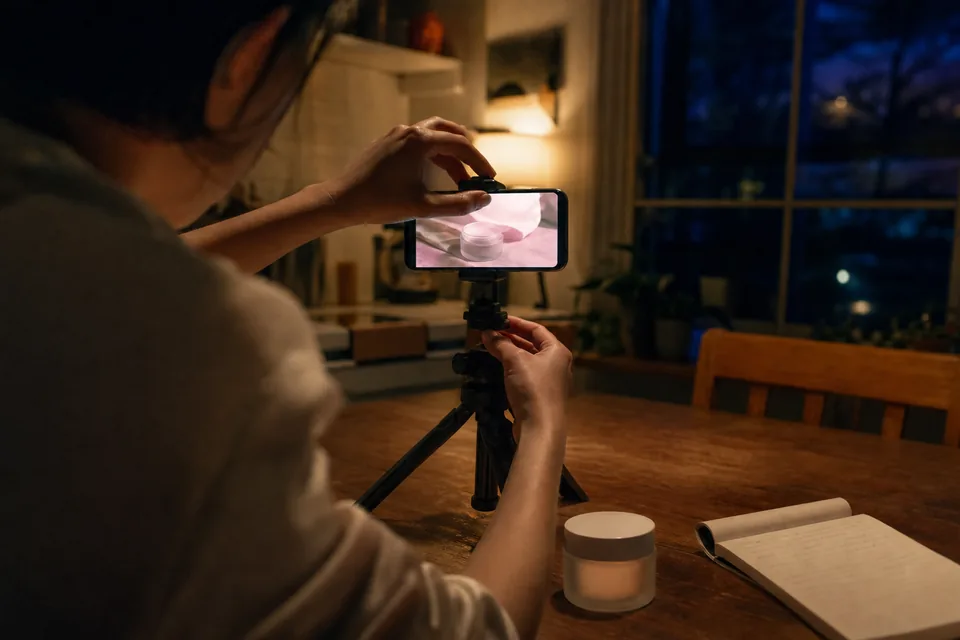
- Product demo. Hands using the product in a real kitchen, bathroom or desk, showing size, texture and the one feature that sets it apart. Our product demo videos are scripted around exactly this.
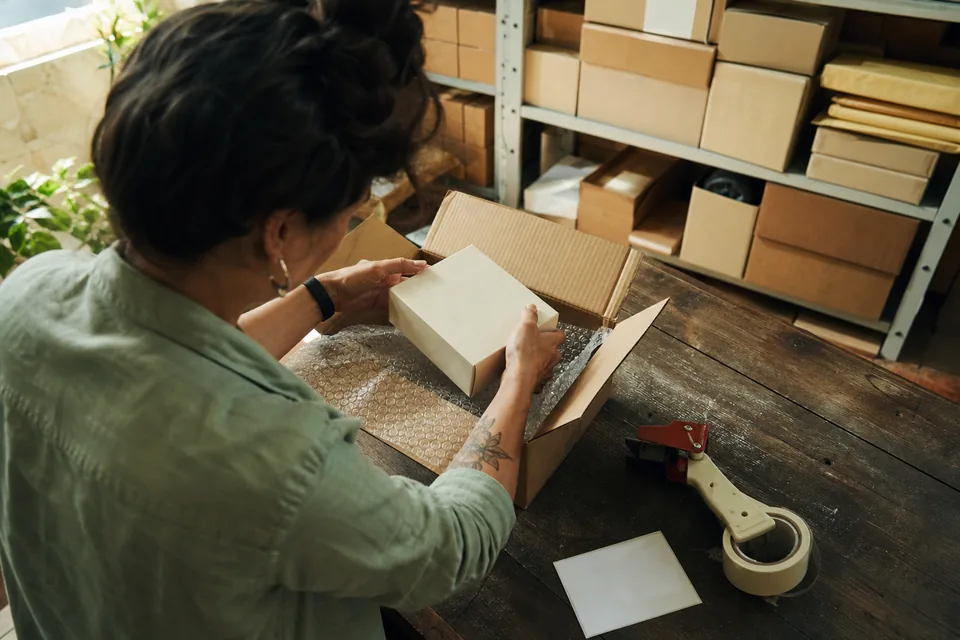
- Unboxing. What arrives in the box, how it is packed and what it looks like out of the packaging. Good for gifts and premium items. See how we shoot unboxing videos.
- How to use it. A 30 to 60 second walk-through that cuts returns from people who used the product wrong.
- Objection answer. A creator showing the thing buyers ask about in your questions section, such as fit, noise level or how it cleans.
Length matters less than the first three seconds. On mobile the video autoplays muted in the image block, so put the product on screen immediately and add captions. Every UgcVids video ships captioned in 9:16, 4:5 and 1:1. Square and 4:5 sit well in the listing image block on a phone. Sponsored Brands video placements generally favor landscape, so check the spec for the exact placement you plan to buy.
Best way to buy UGC video for Amazon
The best option depends on how many videos you need and who on your team will manage them. Use this rule of thumb:
- One or two ASINs, one video each. A single freelancer or a one-month plan is enough. Starter at $49 gives you one finished, scripted video without hunting for a creator.
- A catalog of 10 to 50 ASINs. You need a steady flow, not a one-off. Marketplaces look cheap per clip, but someone still briefs, ships and edits every job. A fixed plan such as Growth (5 videos for $199) or Scale (15 for $499, raw footage included) keeps the cost per finished video predictable.
- You want Amazon influencers posting on their own storefronts. That is an influencer program, not UGC production. JoinBrands and similar platforms are built for it.
- You also run Meta and TikTok ads to your listings. Buy footage once and get every cut. From Growth up, each UgcVids video comes with 3 hook options and A/B variants, so the social ads and the listing video come from one shoot.
Brands selling on Amazon and their own Shopify store usually get the most from one shared library. Our page on ugc videos for ecommerce brands shows how we brief for both channels at once.
What to put in a brief for an Amazon UGC video
A good brief saves a reshoot. Include these points and any creator or production team can deliver a video that passes review on the first try:
- The ASIN and the exact variant to show, including color and size
- The top three reasons buyers choose you, taken from your best reviews
- The top two complaints or questions, so the video can answer them visually
- The setting your buyer lives in, such as a small apartment kitchen or a home gym
- A clear "do not say" list: price, discounts, URLs, competitor names, unapproved claims
- Formats and sizes you need, and whether you also want a social ad cut
Reviews are your best script source because they use your buyers' own words. On your own store you can show those words directly. If you sell direct as well, it is worth setting up a way to collect video testimonials from real customers for your product pages, where review quotes are allowed, and keep the Amazon cut purely demonstrative.
Are UGC videos worth it for Amazon sellers
Yes, for most listings in competitive categories. A listing without video leaves the shopper to guess size, texture and how the product works, and those guesses turn into returns and lost sales. One clear demo per hero ASIN is the baseline, and the same footage feeds your Sponsored Brands and social ads.
The cost is mostly management time, not the video itself. If you would rather send one brief and get finished files, that is what UgcVids does: we write the script, match the creator, coordinate shipping, edit with captions in three sizes and deliver with paid ads rights on every platform. Plans run from $49 for one video to $1,199 for forty a month, half price with yearly billing. Full details are on ugc video pricing.