SaaS demo video with a real creator and your product on screen
A SaaS demo video from UgcVids pairs a real creator with a clean screen recording of your app. The creator introduces a problem in their own words, the screen shows how your product solves it, and we edit the result into short ads for install and signup campaigns on TikTok, Instagram Reels, Meta and YouTube Shorts, with ads usage rights included.
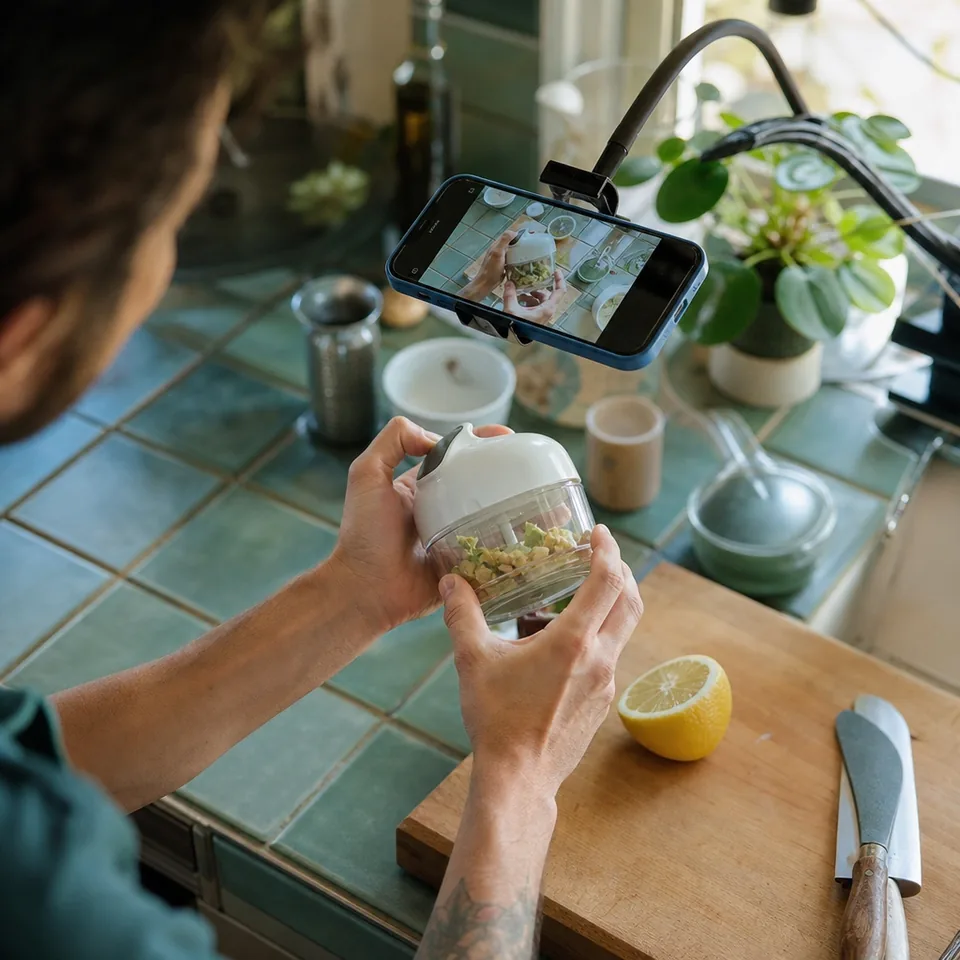
Why a person beats a pure screen recording
A screen recording alone shows what the product does. It rarely shows why anyone should care. A creator in frame gives the demo a face, a situation and a tone the viewer recognizes, so the walkthrough lands as a recommendation instead of a feature tour.
For apps and SaaS this matters most in the first seconds. The viewer decides whether the problem is theirs before they see a single screen. That is why we always open with the creator, not the interface.
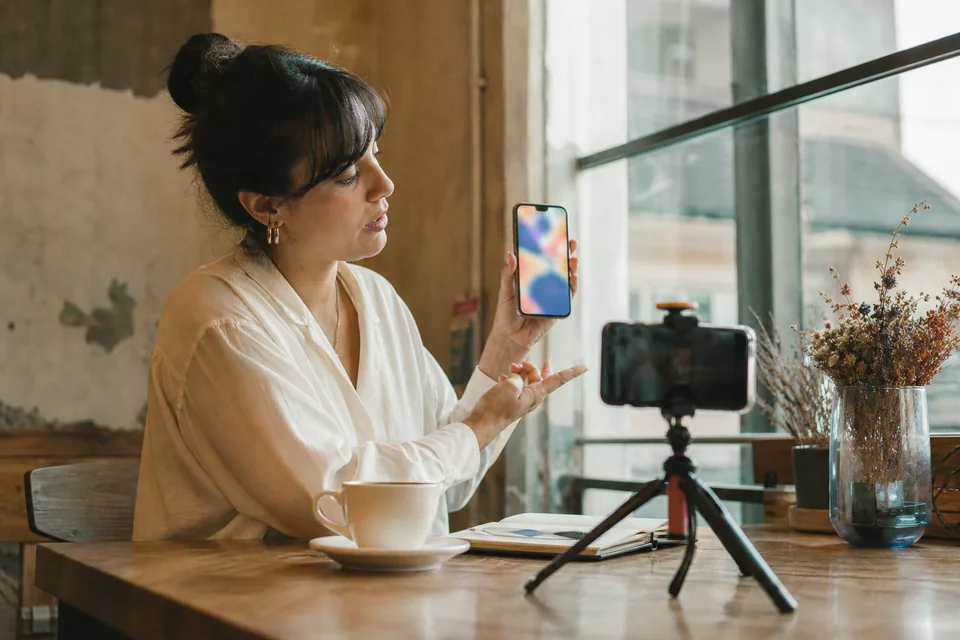
- Works for mobile apps, browser extensions, web apps and B2B tools with self-serve signup
- Fits install campaigns, free trial signups and feature launches
- Gives your existing screen captures a second life as ad creative
One video, one job to be done
The most common mistake in software demos is showing everything. We script each video around a single job the user wants done, and we show only the screens that complete it.
- 1 Pick one outcome, for example "send an invoice from my phone in under a minute" for an invoicing app or "plan five dinners for the week" for a meal-prep app
- 2 Show the starting pain in one line from the creator
- 3 Walk through the shortest path in the product, three to five screens
- 4 End on the finished result, not on a settings page
- 5 Close with one call to action that matches the campaign, such as download or start a trial
If your product does many things, that is a reason for more videos, not a longer one. On Growth and above each plan gives you several videos a month, so each one can take a different job and audience.
How we structure a SaaS demo video
A typical demo ad runs 20 to 45 seconds. Starter videos run up to 30 seconds with 1 hook, so we trim the walkthrough to the essential screens.
-
Hook: the creator on camera with a relatable line and on-screen text
-
Problem: a quick shot of the old way, such as a messy spreadsheet or a pile of receipts
-
Walkthrough: screen recording with the creator's voiceover or picture in picture, cursor or tap highlights and zooms on key moments
-
Result: the finished outcome on screen and the creator's reaction
-
Close: call to action on screen with your app store or signup cue
On Growth and above you get 3 hook options per video and A/B variants that swap the hook or close on the same footage, so you can test which problem statement pulls installs.
How the screen recording and the creator fit together
There are two ways to capture the screen, and the brief lets you choose.
-
The creator records their own screen while using the app, which shows real taps and real pace on a phone
-
Your team sends a clean screen recording or test account steps, and we combine it with the creator's footage in the edit
For mobile apps, we record vertical phone captures that match 9:16. For web apps, we frame the browser for 4:5 and 1:1 placements and crop key areas for vertical. Give us a test account or a demo workspace with realistic sample content, since empty dashboards make weak screens. Never send real customer data. Install flows, App Store framing and in-app onboarding are covered in more detail on ugc for mobile apps.
We blur anything you mark as sensitive, and we keep your interface text readable at phone size with zooms and highlights.
Built for install and signup campaigns
Demo videos are cut for performance, not for your homepage hero. Each delivery includes 9:16, 4:5 and 1:1 versions with captions, so the same video runs as a TikTok in-feed ad, a Reels ad, a Meta feed ad and a YouTube Shorts ad.
- Captions that read without sound, since most viewers scroll muted
- A visible end card with the action you want, such as download or start a trial
- Hooks written for the goal in your brief, whether app install, trial signup or launch
- Variants that test different jobs to be done against each other
For more on ad formats and testing, see our ugc ads page, or read how other formats like testimonial video production company cuts can follow a demo in the same campaign.
What we need from you
- The one job to be done per video, or a short list if you want several videos
- A test account, demo workspace or install link with realistic sample content
- Platforms and campaign goal
- Your target user, so we match the creator by demographic, niche and on-camera style
- Must-say and never-say lines, including feature names and pricing wording
- Any screen areas to blur or avoid
Once the script is approved and the test account works, the first demos land in your panel within 10 to 14 business days. Plans, videos per month and hooks per video are listed on ugc video pricing.
SaaS demo video questions
Do you need access to our production app
No. A test account or demo workspace is enough. We never need real customer data and we ask you not to send it.
Can the creator use their own phone for the recording
Yes. For mobile apps that is often the most natural option, because the taps, scrolls and notifications look real.
Can you show a B2B tool, not a consumer app
Yes, as long as there is a clear job to be done that a creator can show in under a minute. We match a creator whose setting and style fit a work context, such as a home office.
Is the video generated by software
No. Every video is filmed by a real paid creator and edited by our team.
Show one job, win one install
Choose a plan, pick the jobs your product does best and let us turn them into creator demos.